Wednesday, 5 February 2025

Steps to Create a Formal Email


Steps to Create a Formal Email

In today's professional world, email communication plays a crucial role in maintaining efficiency and clarity. Writing a formal email requires structure, etiquette, and attention to detail to ensure the message is received and understood as intended. Here are the essential steps to craft a professional and effective email:

1. Use a Professional Email Address

Your email address should reflect professionalism. If you are representing a company or organization, use an official email domain (e.g., john.doe@company.com). Avoid using personal or informal email addresses like "coolguy123@gmail.com" as they may not leave a good impression.

2. Write a Clear and Relevant Subject Line

The subject line is one of the first things a recipient notices, so it should be clear, concise, and informative. A well-written subject line increases the likelihood of the email being opened and understood. Some examples of good subject lines include:

  • "Request for Meeting: Project Discussion on Q2 Goals"

  • "Follow-up: Proposal Submission for Marketing Campaign"

  • "Invitation: Training Session on Workplace Productivity"

Avoid vague or overly generic subject lines like "Hello" or "Important!" as they do not provide clarity.

3. Begin with a Proper Greeting

How you address the recipient sets the tone for the email. Choose an appropriate greeting based on the level of formality and familiarity you have with the recipient:

  • "Dear [Name]," (most formal and widely used in professional settings)

  • "Hello [Name]," (polite but slightly less formal)

  • "To Whom It May Concern," (if the recipient is unknown or general)

If addressing a group, you can use:

  • "Dear Team," or "Dear Colleagues,"

4. Introduce Yourself and Your Purpose (If Necessary)

If this is your first time communicating with the recipient, introduce yourself and your position before stating your reason for writing. For example:

  • "My name is Jane Smith, and I am the Marketing Manager at ABC Corp. I am reaching out to discuss the upcoming product launch and explore potential collaboration opportunities."

5. State Your Purpose Clearly and Concisely

Get to the point without unnecessary details. Clearly state the reason for your email in the first few sentences so the recipient understands the context immediately. If necessary, break down your main points into bullet points or numbered lists for clarity.

For example:

  • "I am writing to request a meeting to discuss the budget allocation for our upcoming marketing campaign. Below are the key points I would like to address during our discussion:

    1. Budget requirements for different promotional channels

    2. Expected ROI on various marketing strategies

    3. Timeline for campaign execution"

6. Use a Polite and Professional Tone

Maintain a formal and courteous tone. Avoid using slang, emojis, or overly casual language. Use polite phrases such as:

  • "I appreciate your time and consideration."

  • "Please let me know if you have any questions or require further information."

  • "I look forward to your response."

7. Include a Call to Action (CTA)

A CTA tells the recipient what you expect them to do next. Be specific about the action you need and include deadlines if necessary:

  • "Please confirm your availability for the meeting by Friday, March 10th."

  • "Kindly provide your feedback on the attached proposal by next Tuesday."

  • "Let me know a convenient time for a follow-up call."

8. Close the Email Formally

The closing should be professional and courteous. Common formal closings include:

  • "Sincerely,"

  • "Best regards,"

  • "Thank you,"

Avoid casual sign-offs like "Cheers!" or "Take care," in professional emails unless you have a more informal relationship with the recipient.

9. Include a Professional Signature

Your signature should provide key details such as:

  • Your full name

  • Your job title

  • Your company name

  • Contact details (phone number, LinkedIn, or company website)

For example:

John Doe  

Marketing Manager  

XYZ Corporation  

Email: john.doe@xyz.com  

Phone: (123) 456-7890  

Website: www.xyzcorporation.com 

10. Proofread Before Sending

Before hitting "send," carefully review your email for spelling, grammar, and formatting errors. A well-proofread email reflects professionalism and ensures clarity. Reading your email aloud or using grammar-checking tools can help identify mistakes.

11. Use Attachments and Formatting Properly

If your email includes attachments, mention them in the email body so the recipient is aware. Ensure that files are appropriately named and in an accessible format (e.g., PDF or Word document).

Example:

  • "Please find attached the project proposal document for your review. Let me know if you need any modifications."

Additionally, use formatting tools such as bold or bullet points to highlight important information without making the email cluttered.

12. Follow Up If Necessary

If you do not receive a response within a reasonable timeframe, follow up politely. A simple follow-up email can be structured as:

  • "Dear [Recipient’s Name], I hope you are doing well. I wanted to follow up on my previous email regarding [topic]. Kindly let me know if you had a chance to review it. Looking forward to your response."


Writing a formal email requires careful attention to tone, clarity, and structure. By following these steps, you can ensure your emails are professional, effective, and well-received. Well-crafted emails not only help in maintaining a professional image but also contribute to better communication and productivity in any professional setting.


Success Emesom

Virtual Assistant

Asiatic International Corp

Success.FlyingCrews@gmail.com

Success.AsiaticIncorp@gmail.com

https://www.AsiaticInCorp.com 

LinkedIn  : www.linkedin.com/in/success-emesom

Link tree: https://linktr.ee/success.emesom

vCard:

https://linko.page/spud8g1nj0ev

FB: 

https://www.facebook.com/share/14oB3E5ZX5/?mibextid=wwXIfr

YouTube:

https://www.youtube.com/aerosoftcorp


Books by AlfaBooks

Published Books

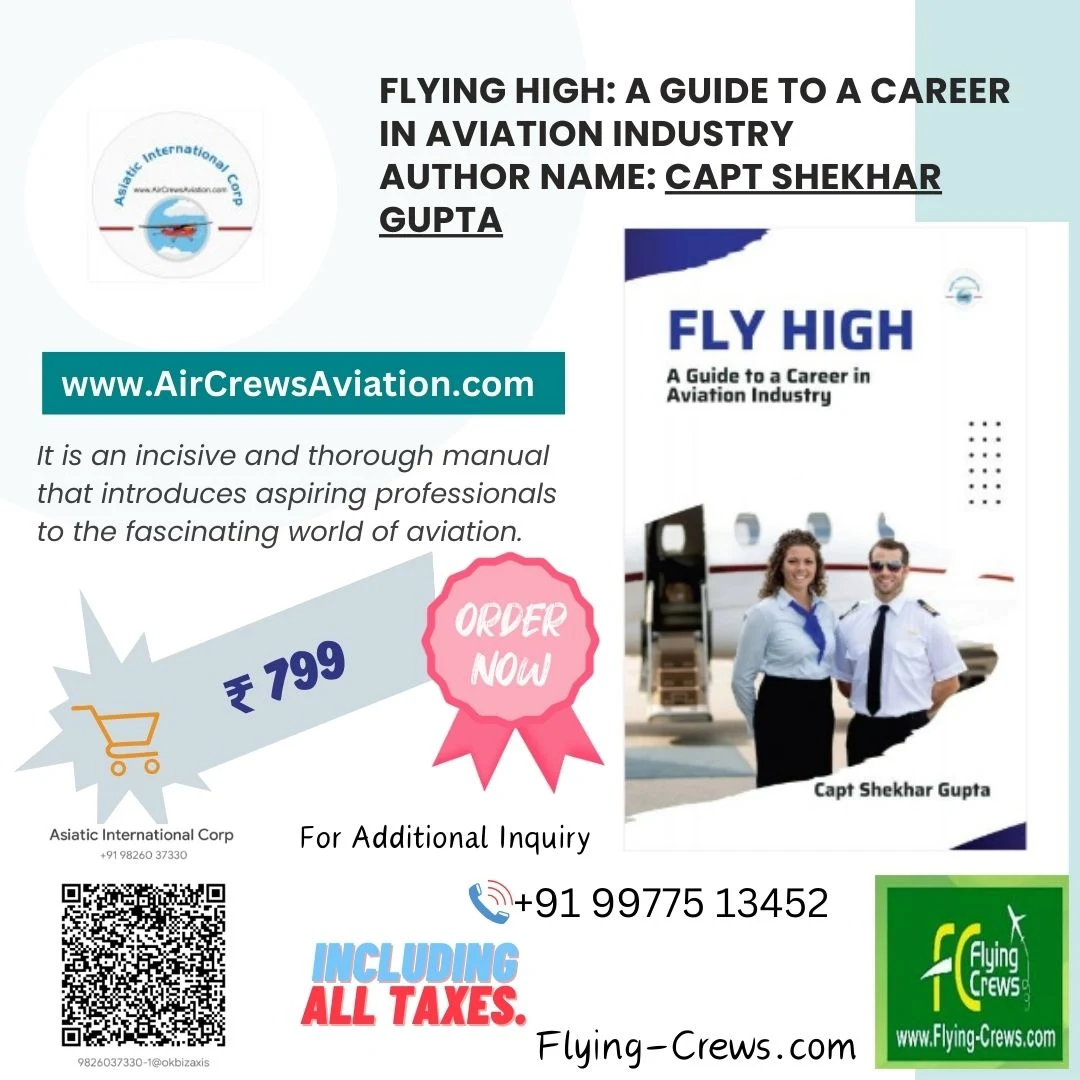
Flying High: A Guide to a Career in Aviation Industry

Books

"Flying High: A Guide to a Career in the Aviation Industry"

Pilot's Career Guide

Order here


"Pilot's Career Guide" is a book written by Captain Shekhar

Lessons for Business Leaders


 Most Successful Female Entrepreneurs of India

Books by Grishma Vijay , Capt. Shekhar Gupta


The Most Successful Female Entrepreneurs in India is a collection of life lessons from successful women from all areas of life in India.


All Best Career Guide

Books by Capt Shekhar Gupta


A Great Resource for Students, Parents, and Schools.


  • Buy On Amazon Kindle:

https://www.amazon.com/dp/B07PVK3DTN

  • Buy On Kobo:

https://www.kobo.com/in/en/ebook/pilot-s-career-guide

  • Buy On Google Play:

https://play.google.com/store/books/details/Capt_Shekhar_Gupta_Niriha_Khajanchi_Pilot_s_Career?id=lPWNDwAAQBAJ&pli=1

  • Buy On Apple Books:

https://books.apple.com/us/book/pilots-career-guide/id1457304196

ORDER NOW!!!

How ATS and AI Tools Play a Crucial Role in the Virtual Assistant Profile


How ATS and AI Tools Play a Crucial Role in the Virtual Assistant Profile

In the rapidly evolving world of recruitment, automation and artificial intelligence (AI) have become indispensable allies for organizations striving to streamline their hiring processes. One profession that has significantly benefited from these advancements is the role of the Virtual Assistant (VA). From automating repetitive tasks to enhancing communication and productivity, AI tools and Applicant Tracking Systems (ATS) have revolutionized the way virtual assistants are hired, managed, and evaluated.

This article delves into how ATS and AI tools are reshaping the virtual assistant profile, offering both employers and VAs new opportunities for growth and efficiency.

1. Enhancing Recruitment with Applicant Tracking Systems (ATS)

a. Streamlined Candidate Search

ATS platforms have become a vital tool for HR departments in managing the influx of job applications. Virtual Assistant positions often require candidates with specific skill sets and a diverse range of experiences, which can make sifting through resumes manually a daunting task. ATS software uses keywords and algorithms to scan resumes, rank candidates based on relevance, and filter out unqualified applicants.

For Virtual Assistant roles, ATS can quickly identify key qualifications such as proficiency in project management tools (Trello, Asana), communication skills (email, phone, chat), and specialized knowledge in areas like social media management or bookkeeping. By leveraging ATS, employers can find the best-fit candidates without wading through countless resumes.

b. Improved Candidate Matching

ATS systems aren’t just about filtering; they also help employers match candidates to the most suitable roles. For instance, a Virtual Assistant who specializes in customer support may not be the ideal choice for a role that requires a strong background in data analysis or social media marketing. ATS software allows recruiters to create specific criteria for the Virtual Assistant profile they are hiring, ensuring a better match between the candidate’s skills and job requirements.

By providing data-driven insights, ATS systems help employers make more informed decisions, ensuring that the chosen Virtual Assistant has the right mix of skills, experience, and expertise.

2. The Role of AI Tools in Enhancing Virtual Assistant Tasks

a. Task Automation and Time Management

Virtual Assistants are responsible for handling a wide range of tasks, from scheduling meetings to managing emails. AI tools, such as scheduling assistants (e.g., Clara, x.ai), are able to handle these tasks autonomously, saving time for VAs and their employers. These AI tools integrate with calendars and email systems to automate the scheduling process, optimize appointment bookings, and reduce human error.

AI-powered tools also help VAs prioritize tasks, set reminders, and even track time spent on various projects. This automation enhances productivity, enabling Virtual Assistants to focus on high-value tasks that require human insight, such as managing complex client communications or preparing reports.

b. Customer Support Chatbots

For Virtual Assistants handling client communication, AI-powered chatbots can be a game-changer. These bots are programmed to provide instant responses to customer inquiries, often resolving issues without requiring human intervention. VAs can use AI chatbots to engage with customers on websites, via email, or through social media platforms, ensuring 24/7 support.

These tools use natural language processing (NLP) to understand and respond to customer queries in real-time. For example, if a customer asks about a service’s pricing, the bot can instantly provide the relevant details. Virtual Assistants can step in when the queries are more complex, allowing them to focus on higher-level tasks and leave routine inquiries to the AI.

c. Voice Assistants and Transcription Services

Voice assistants, such as Siri, Alexa, and Google Assistant, have also gained traction among Virtual Assistants for their ability to execute tasks hands-free. These voice-activated AI tools allow VAs to quickly set reminders, draft emails, and even conduct web searches while performing other tasks.

Additionally, AI-driven transcription services like Otter.ai can help VAs transcribe meetings, interviews, or podcasts into text, saving them hours of manual transcription. With AI tools like these, Virtual Assistants are able to accomplish more in less time, adding significant value to the organization.

3. Data-Driven Decision Making

a. Performance Metrics and Analytics

AI tools can provide valuable insights into how well Virtual Assistants are performing their tasks. By analyzing data such as task completion rates, time management, and response times, AI tools can offer performance analytics to both VAs and their employers.

These analytics help identify areas for improvement, track progress over time, and ensure that Virtual Assistants are meeting the expectations set for their roles. This data-driven approach helps create a more transparent and objective performance review process, allowing VAs to grow and develop in their roles.

b. Predictive Insights for Career Development

AI tools can also provide insights into potential career paths for Virtual Assistants based on historical data and trends. For example, if a VA is particularly adept at managing social media platforms, AI could recommend that they expand their skills into digital marketing or content creation.

Furthermore, predictive analytics can help VAs and employers forecast the future needs of their business and optimize the hiring process accordingly. Whether it’s adding more VAs to handle growing demand or upskilling current staff, AI tools can help VAs align their skill sets with future opportunities.

4. Improving Collaboration and Communication

In a remote work environment, communication and collaboration are key. AI tools facilitate smoother communication between Virtual Assistants and their employers by providing real-time updates, automated reminders, and easy document sharing.

Platforms such as Slack or Microsoft Teams, integrated with AI bots, enable Virtual Assistants to streamline their communication and collaborate on projects more effectively. AI-powered translation tools can also bridge language barriers, allowing VAs to work with international clients without hindrances.

5. The Future of Virtual Assistant Roles with AI and ATS

As AI and ATS technologies continue to evolve, the role of Virtual Assistants will only become more dynamic. While AI tools will handle increasingly complex tasks, human Virtual Assistants will remain essential for tasks requiring creativity, emotional intelligence, and strategic thinking. ATS will continue to improve the hiring process, offering more sophisticated methods of matching candidates to the right roles.

In the future, Virtual Assistants may not only perform tasks but also become integral to the decision-making process, using AI to analyze data, predict trends, and advise employers on key business strategies. The combination of AI tools and ATS will empower Virtual Assistants to work smarter, not harder, driving greater productivity and value for businesses worldwide.

The integration of ATS and AI tools into the Virtual Assistant profile is transforming how both VAs and employers approach work. From recruitment to daily task management, these technologies are improving efficiency, enabling better decision-making, and ensuring that Virtual Assistants can focus on higher-level responsibilities. As AI and automation continue to advance, the future of the Virtual Assistant role looks bright—more dynamic, more impactful, and more aligned with the needs of the modern business world.

By embracing these tools, Virtual Assistants and employers alike can unlock new levels of productivity and collaboration, ensuring long-term success in an increasingly digital and fast-paced world.

Success Emesom

Virtual Assistant

Asiatic International Corp

Success.FlyingCrews@gmail.com

Success.AsiaticIncorp@gmail.com

https://www.AsiaticInCorp.com 

LinkedIn  : www.linkedin.com/in/success-emesom

Link tree: https://linktr.ee/success.emesom

vCard:

https://linko.page/spud8g1nj0ev

FB: 

https://www.facebook.com/share/14oB3E5ZX5/?mibextid=wwXIfr

YouTube:

https://www.youtube.com/aerosoftcorp